Blackboard LMS Credential Retrieval - Forgot or don't know your Blackboard login details? Enter your student number and the email address registered in your student record. We'll send your Blackboard username, email, and password to that email address.
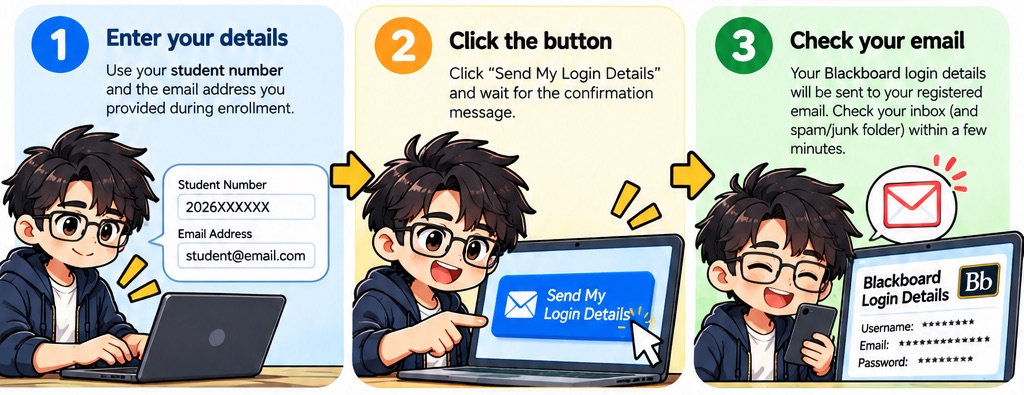
Step 1: Enter your details - use your student number and the email address you provided during enrollment. Step 2: Click the button - click Send My Login Details and wait for the confirmation message. Step 3: Check your email - your Blackboard login details will be sent to your registered email within a few minutes.
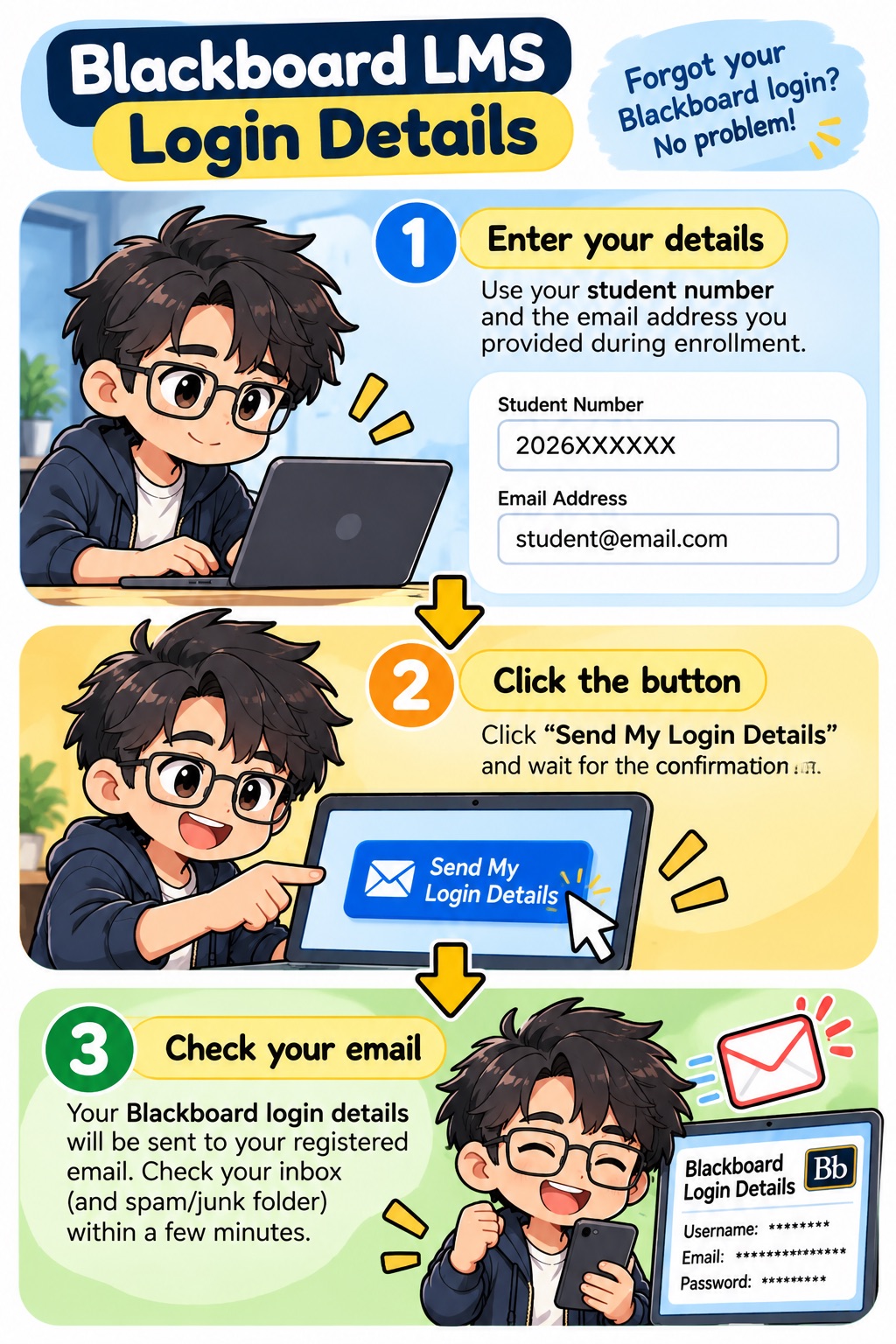
Blackboard LMS Credential Retrieval - Forgot your Blackboard login? No problem! Step 1: Enter your details - use your student number and the email address you provided during enrollment. Step 2: Click the button - click Send My Login Details and wait for the confirmation message. Step 3: Check your email - your Blackboard login details will be sent to your registered email within a few minutes.

Before you start

Use the student number and the email address you provided during enrollment.

  • Make sure your details are correct.
  • Check your inbox and spam/junk folder after submitting.
  • You will always see the same confirmation message on this page. The actual result will be sent to your email.

What to expect

After submitting, you will see a confirmation message on this page whether or not your details matched our records.

Your Blackboard login details will always be sent to your email, not shown on this page.

Is this safe?

Yes. Your login details are only ever sent to the email address already on file for you — never anywhere else, and never shown on this page.

Didn't receive it?

If nothing arrives after about 10 minutes, double-check what you typed and try again.

Submitting too many requests in a short time will temporarily block further attempts, as a security measure. If that happens, just wait a bit before trying again, or contact IT support directly.