See how your WordPress site is doing in Google and with readers, in plain words. Then let your AI assistant read the same numbers, without giving it the keys to your site.
What it does
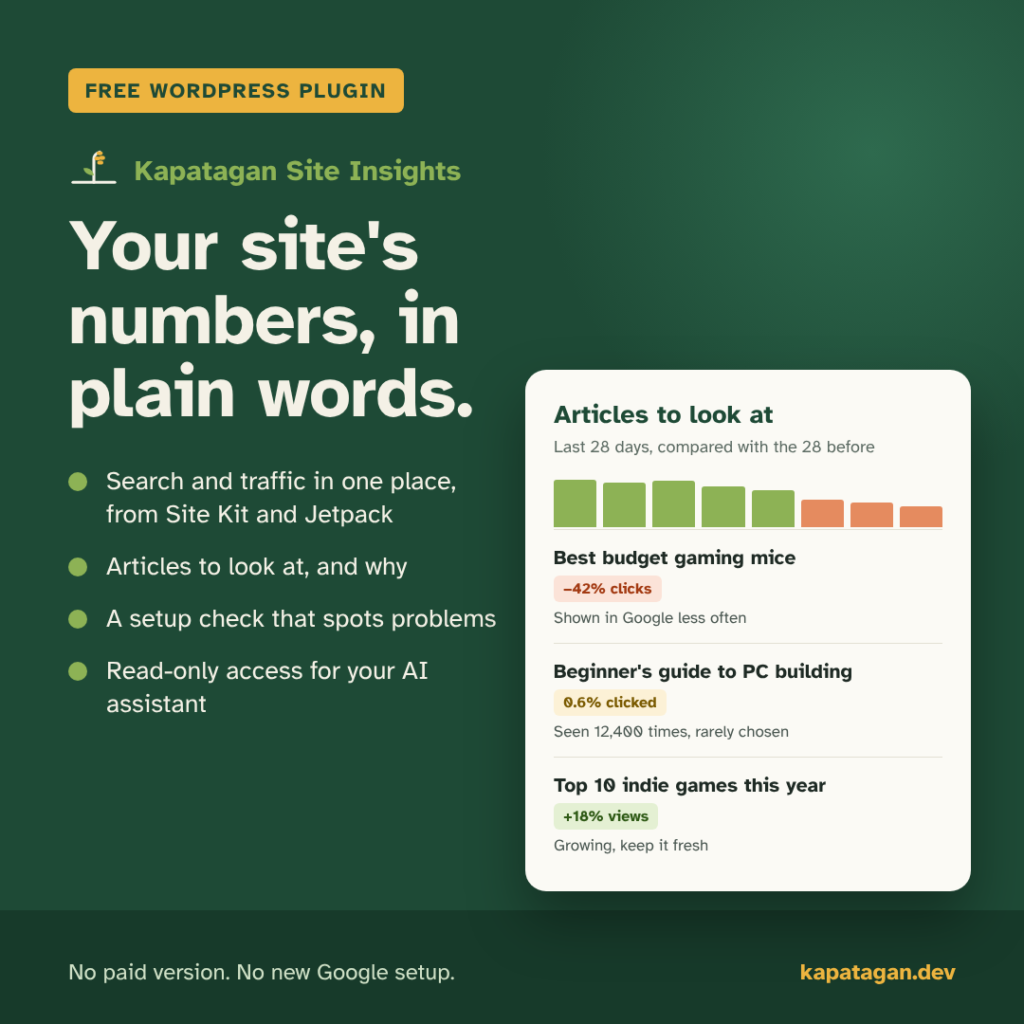
- Puts your numbers in one place. Google search clicks, the searches that find you, top articles and reader traffic, pulled from Site Kit and Jetpack Stats.
- Shows which articles need a look, and why. Articles losing search clicks get a plain reason, such as “shown in Google less often” or “fewer people searching”. Articles that appear in Google a lot but rarely get clicked are listed too.
- Checks your setup. A setup check spots common problems with search visibility and site settings, each with what to do next.
- Warns when the numbers look wrong. If Site Kit or Jetpack stops answering or starts sending odd data, it tells you instead of showing a broken report.
- No new Google setup. It uses the Site Kit connection you already have. It runs no outside server of its own and keeps no copy of your analytics.
Ready for your AI assistant
Connect your AI assistant and ask questions like “Which articles should I update this week?” or “Why did search traffic drop?”. It answers from your site’s real numbers, with no exporting reports by hand.
- Read-only. The AI gets its own limited account that can read reports and nothing else. It can’t post, edit or change settings, and WordPress refuses it everywhere outside Site Insights.
- You stay in charge. Drafts stay private unless you turn that on. Turning AI access off deletes the AI’s sign-in right away.
- Works with Claude today. Tested with Claude Desktop. Support for more AI apps is planned.
Built to be safe
Your analytics are private, so this plugin went through four rounds of outside security review before 1.0, plus more than 200 automated tests. It passes WordPress.org’s Plugin Check with no errors or warnings. Every report only reads; nothing in the plugin can change your posts or settings.
Free, for real
No subscription, no premium tier, no ads in your dashboard. If the plugin saves you time, you can buy us a coffee.
Get it
Kapatagan Site Insights is running on three news and magazine sites and will be submitted to the WordPress.org plugin directory next. Until it’s listed, email [email protected] if you’d like to try it. The complete guide walks you through every step, from installing it to asking your AI assistant about your site.
Needs WordPress 6.0 or newer and PHP 7.4 or newer. The AI connection needs WordPress 6.9 or newer.
Changelog
1.0.0
- First release ready for WordPress.org, including everything from the 0.x test releases: the setup check, Visibility, Articles to look at, source health warnings, and the read-only AI connection with its own sign-in.